Creately Free Plan Tested: 45 Shapes per Diagram, and No Export
Evidence note: from one hands-on session on 22 November 2026, recorded in an internal run log. Figures are what the pages, the account and the checkout form showed that day. I built a diagram and stopped at the card form; I did not pay, export or receive a link.
Disclosure first: I applied to Creately's affiliate program during this session. It is still under review, so this post contains no referral or promotional links.
What Creately is
The homepage leads with "Sign Up Free" and navigation points to a plans page. Inside, the workbench sits at ai.creately.com with an account portal at account.creately.com; new items start from a blank "Diagram & whiteboard" canvas.
Creately is a diagramming and whiteboard tool: unlimited canvas, all chart types, real-time collaboration and team link sharing, with AI tools in the basic feature set. The plan also mentions connecting data sources, which matters later. I built one empty diagram, so I make no claim about drawing quality or the AI tools in use.
How signup went
Registration at /register/ was two steps: email, Continue, then name and password, Continue. No Turnstile or other human-check appeared. About six seconds after the final submit, the browser landed on an email-confirmation page saying "We have sent you a 6-digit confirmation code to your email."
The message arrived as LinksPen, confirm your email!. One snag: a single automated paste left the Confirm Email button disabled. Clicking the field and typing the digits one at a time enabled it, and confirmation went through. The active account redirected to the plans page with "Go to App" in the navigation.
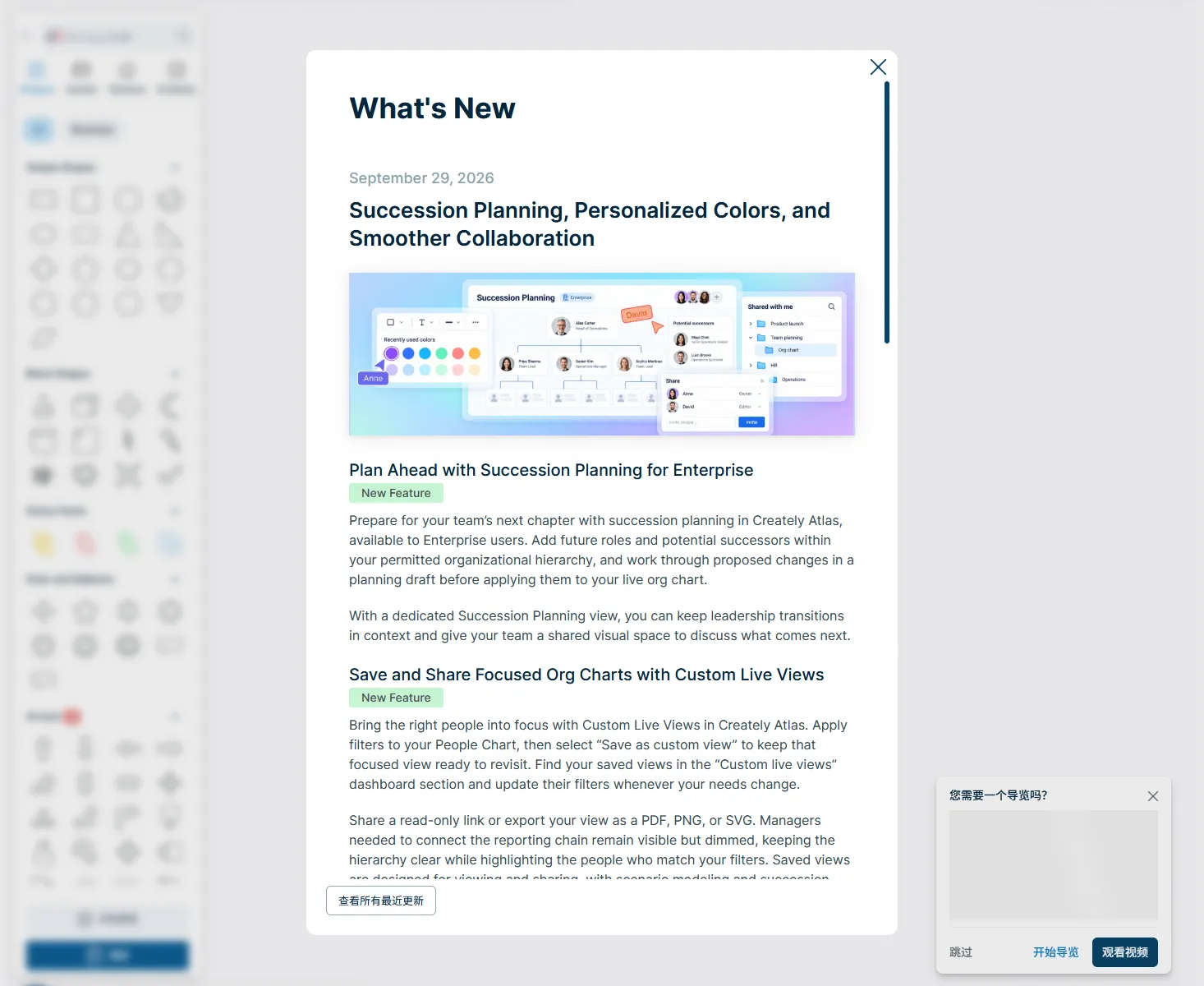
"Go to App" opened the workbench. I skipped the guided setup, created a diagram from the blank canvas and reached an editor with an untitled workspace and an Upgrade button in the top bar. The path from a fresh email address to an editable diagram is self-serve.
What the free plan actually allows
The number that matters is 45 shapes per diagram, the ceiling listed in the free tier. I did not add 45 shapes one by one, so no hard-limit dialog appeared; the figure comes from the plan wording, not a measured cutoff.
| Item | Free plan, as listed |
|---|---|
| Canvas | Unlimited |
| Chart types | All |
| Shapes per diagram | 45 |
| Collaboration | Real-time, with team link sharing |
| Product features | Basic tier of each product, including AI tools |
| Data sources | Static import only |
| Export | No PNG, JPEG, PDF or SVG |
| Private links and email invitations | Not included |
| Advanced features | Preview only |
The account portal agreed: Free Team Plan, one organization, 1 user, zero folders and zero workspaces, with unlimited users and workspaces as allowances. The zeros describe a new account, not caps.
For one person sketching a flowchart, 45 shapes on an unlimited canvas is real working space. The limit bites on density, not on how many diagrams you make.
Where the free plan stops
The sharpest stop is export: no PNG, JPEG, PDF or SVG output at all. I did not attempt an export, so I can report the plan term, not where the button sits. What the wording establishes is that a Free diagram has no listed path to a shareable image or vector file without leaving Free.
Three smaller stops follow. Data sources are static import only, with no live connection. Private links and email invitations are excluded, so sharing is through team links. Advanced features are preview only. Together these mark the line between a diagram you can build and one you can hand to someone outside your team as a finished file.
Pricing and the checkout I stopped at
The pricing page lists Pro at $8 per editor per month on monthly billing and $5 per editor per month on yearly billing ($60 per year). Business is $149 per organization per month; Enterprise is custom.
The editor's Upgrade button led through the plans page to the second checkout step. The selection read "Creately Pro, monthly, 1 user", amount USD 8.00. Payment options were credit card and PayPal; the card field showed VISA, Mastercard and American Express. Form text said the completion button would charge USD 8.00 and renew monthly.
I stopped there. No card number entered, no button pressed, no subscription created. Whether the charge would succeed is untested. No overseas phone number was requested. The browser interface followed the profile's language setting; a Chinese plans page showed matching figures.
The affiliate program, and why this post has no link
The public affiliate page advertises 20% recurring commission, 40% for the first three months, and a 90-day cookie that restarts on a repeat click. Those are the page's terms, repeated as documentation, not a statement of what anyone will earn.
"Join Now" leads to a Tolt-powered portal. Signing in used the same pattern: email, a six-digit code from the mailbox, then an onboarding form asking for name, country, promotion URL, a source option and acceptance of terms. After submitting, the dashboard said: "Thank you for applying, Links! We are excited to have you on board! Your account is currently under review. We will notify you as soon as it's approved."
That review status is why this article has no link. No referral URL was issued, and a later inbox check found no approval email. The portal's Terms and Commission pages returned 404 while the account was unreviewed, so only public terms were available. Those two sources disagree: the FAQ names PayPal or Wise for cash-out, the terms page describes a monthly direct deposit, and neither states a payout threshold. The 90-day cookie appears in the FAQ only. Until approval, treat the public figures as unconfirmed.
Who it fits
Fits:
- Individuals who need an unlimited canvas for small diagrams and can stay within 45 shapes per diagram
- Teams that want real-time collaboration and team link sharing without paying, and do not need private links or email invitations
- Anyone checking the free numbers from inside an account before deciding on Pro
- Buyers comfortable with USD 8.00 a month for one editor, or USD 5 per editor per month yearly
Does not fit:
- Anyone needing PNG, JPEG, PDF or SVG exports — the hard stop on Free
- Workflows built on live data sources, since Free is static import only
- Users needing Advanced features, private links or email invitations
- Organizations comparing the $149 per month Business tier without testing it
Bottom line
Creately's free plan is a genuine self-serve starting point: two signup steps, a six-digit email code, an editable diagram and an unlimited canvas, with no human-check wall. Its limit is 45 shapes per diagram; its gap is export, with no image or vector file leaving Free. We reached the card form at USD 8.00 per month for one editor, entered nothing and paid nothing. The affiliate application is under review, so there is no link and no commission claim behind this post.