Clipto Tested: Free Transcription Without an Account, But the Export Is Behind a Paywall
Disclosure: This article contains an affiliate link. If you use it and become a paying customer, I may earn a commission, and it will not change the price you pay. Every observation below comes from a hands-on session on 22 November 2026. No product account was created, no file was exported, no subscription was started, and no payment was made.
The short answer
You can upload audio and get a transcript on Clipto without signing in, but you cannot take that transcript with you for free: the Download control leads to the pricing section, and the paid path is a 7-day trial followed by $9.99 for the first month and $24.99 per month after that.
What Clipto is
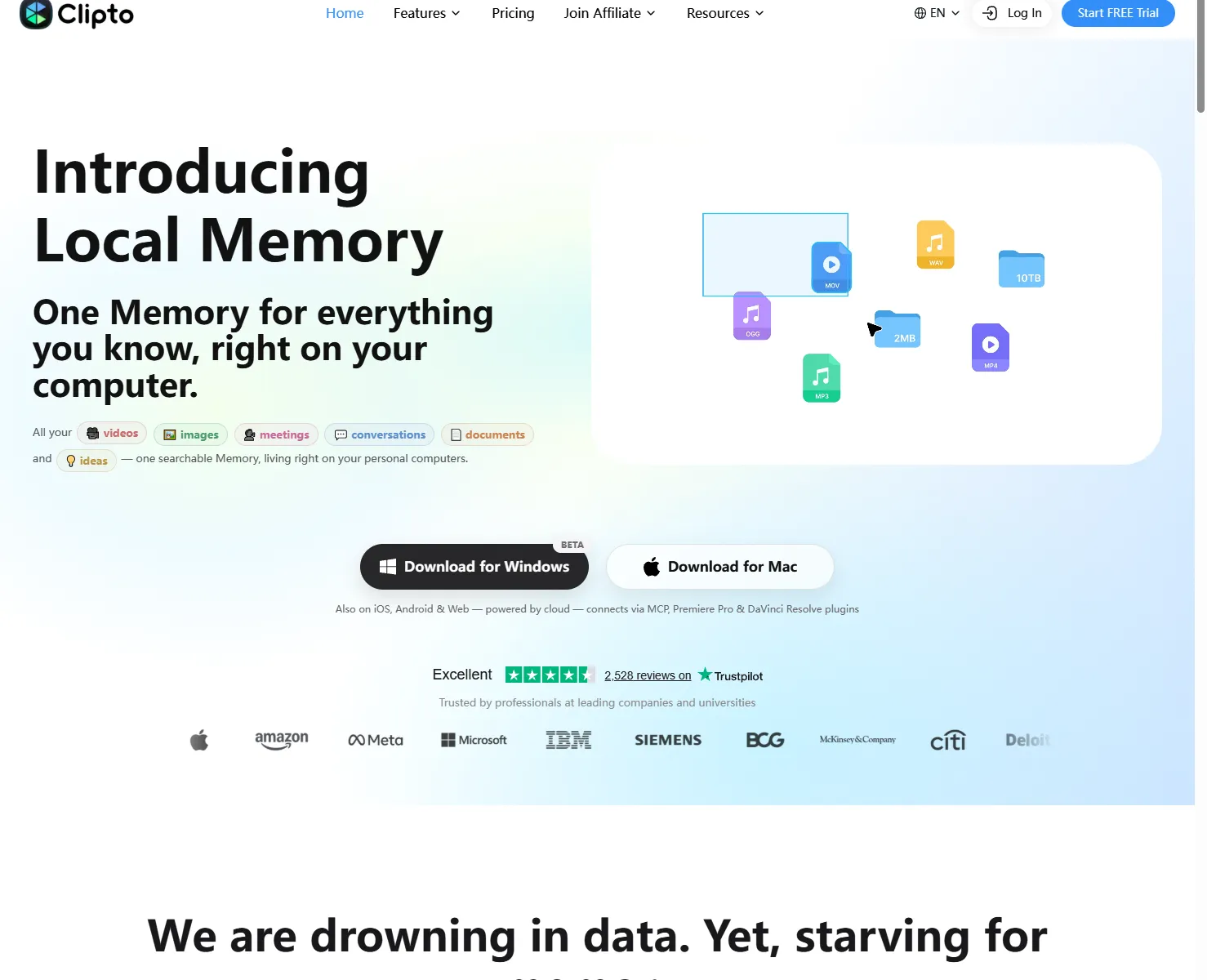
Clipto is a web tool for turning audio and video into text, with subtitle and video handling alongside transcription. The homepage was headed "Introducing Local Memory", and the site advertised support for 99+ languages along with 2,528 Trustpilot reviews. A Black Friday banner read "Save up to 60% on Clipto". The homepage did not state any free minute allowance, and the pricing page gave no free minutes, file caps or watermark rules either.
The test: 0.125 seconds of audio, no login
We uploaded a 0.125-second silent WAV file to the free transcription tool without being logged in. Clipto started processing immediately and produced an on-screen transcript named "clipto-test", with the page showing "Generating the full transcript…" while the result came together.
That is the full extent of what we verified. The file was extremely short and silent, so this test says nothing about accuracy on long recordings, accents, overlapping speakers, or real meeting and interview audio. Long-audio performance remains unverified.
The paywall lives in the Download link
The interesting part was the export attempt. On the result page, the export control is a Download anchor, and its destination is not a file at all: the href points to /transcribe-audio-video-to-text-free#price, an anchor to the pricing section. Clicking it produced no download.
So the honest reading is that anonymous transcription happens in the browser, while exporting is gated. Clipto never displayed a specific free allowance anywhere in the pages we checked, so we cannot tell you how much audio you get before the gate. What we can say is that the gate is on the download, not on generating the transcript.
If you want to try the same flow yourself, you can open the free transcription tool through our link: https://www.clipto.com/transcribe-audio-video-to-text-free?via=linkspen&sid=lp-linkspen-clipto-review
Pricing, as shown on the pricing page
The pricing page offered a single Pro plan in two billing options:
| Option | Price | Terms |
|---|---|---|
| Monthly | $9.99 first month, then $24.99/month | "7-day free trial, cancel anytime" |
| Annual | $12.49/month billed as $149.88/year | "7-day free trial, cancel anytime" |
At checkout the page followed the site's Chinese locale and showed CNY figures: the monthly plan at ¥69.21 after the trial, a ¥173.12 subtotal, a new-customer discount of -¥103.91 (US$15.00), and ¥0.00 due today. The page stated a conversion rate of 1 USD = 6.9275 CNY.
The checkout was a Stripe card form with fields for card number, expiry, CVC and name, with Japan selected as the country and Apple Pay and Link available as alternatives. We stopped at the form: no card details were entered and no payment was made.
About the signup path
One thing worth flagging before you go looking for a registration page: the site has no separate product sign-up page that we could find. The Log In button did not navigate anywhere useful, while Start FREE Trial opened a price modal from which the Try for FREE action led to Stripe checkout. The transcription tool, meanwhile, accepted our anonymous upload without any account. We therefore cannot describe a product registration process, because we did not complete one and there was no standalone page to complete it on.
Affiliate terms: 20%, not the number on the website
The affiliate program is hosted on Rewardful. Its dashboard states "Join Friends of Clipto and receive 20% commission on all payments for paying customers you refer to www.clipto.com". The public /affiliate page, however, advertises 50%. The two numbers conflict and the website figure appears to be outdated copy, so this article goes with 20% on all payments as the operative figure, because that is what the backend that tracks referrals actually says.
Other terms were not published in either place: no cookie window, no payout threshold and no explicit recurring or lifetime language were visible. The backend also showed empty Commissions, Payouts and Referrals pages, and a linked terms document had been deleted, so there was nothing further to verify. Treat 20% as the stated rate and do not assume anything beyond it.
Who should use Clipto
Fits:
- Creators, podcasters and cross-border sellers who need a quick on-screen draft of a short recording and do not want to sign in first
- Anyone who wants to check the transcription flow before committing to a card
- Users comfortable paying monthly for the export step once the draft is good enough
Does not fit:
- Anyone who needs to download transcripts for free; the Download anchor goes straight to pricing
- Anyone wanting a published free allowance; Clipto did not state minutes, file caps or watermark rules on the pages we checked
- Teams that need verified long-form accuracy; our test used only 0.125 seconds of silent audio, so that case is untested
- Users who want a separate account signup before paying; we found no such page
Verdict
Clipto clears the first hurdle honestly: anonymous upload produces a transcript without an account. The second hurdle is the one that matters for real work, and it is a paywall. Export is reached through a Download link aimed at #price, with a 7-day trial leading to $9.99 in the first month and $24.99/month afterward. Try the anonymous transcription first, judge the result on your own audio, and only then decide whether the export is worth paying for. If you do decide to proceed, you can use our link here: https://www.clipto.com/transcribe-audio-video-to-text-free?via=linkspen&sid=lp-linkspen-clipto-review